
Chamasoft auto-generates a contribution summary of all the contributions on the group.
This shows the monthly contributions and the total group contributions summary that has taken place in the group.
To view the contribution summary;
Go to Reports>Contribution Summary
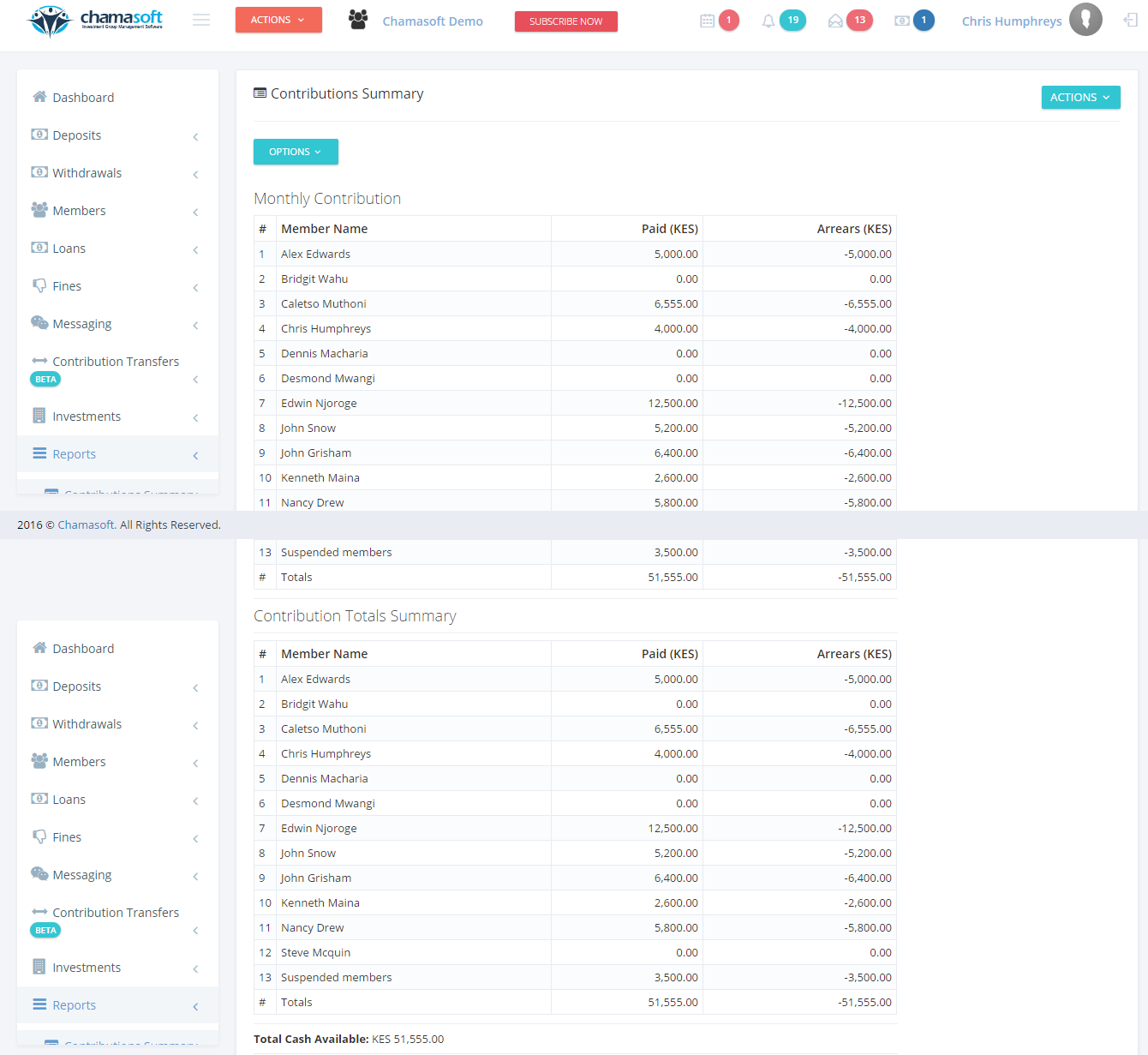
Here you can view all the contributions that have taken place in the group.
Contribution Summary report for group 261594 (Vadare) is not showing arrears column. This is for both website and on the app. Please check and advise